02: 2D design and cutting
This week we worked on making a box for our design, working through fusion 360 tutorials and designing something, and modeling 2 household/lab objects using Fusion360
Box Design
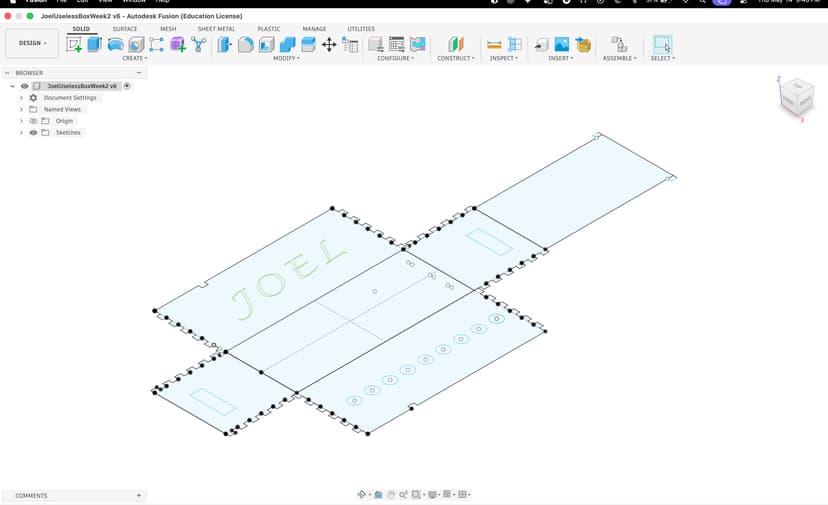
The design process was based on creating a bunch of rectangles, a bunch of interlocking teeth for the box, accounting for kerf, and a cap which I cut.
Here is the final product after we laser cut the software. From the design which can be made on Fusion 360, Adobe Illustrator, Inkscape, among other software, the next steps are to export it as a dxf file.
After exporting as a dxf file
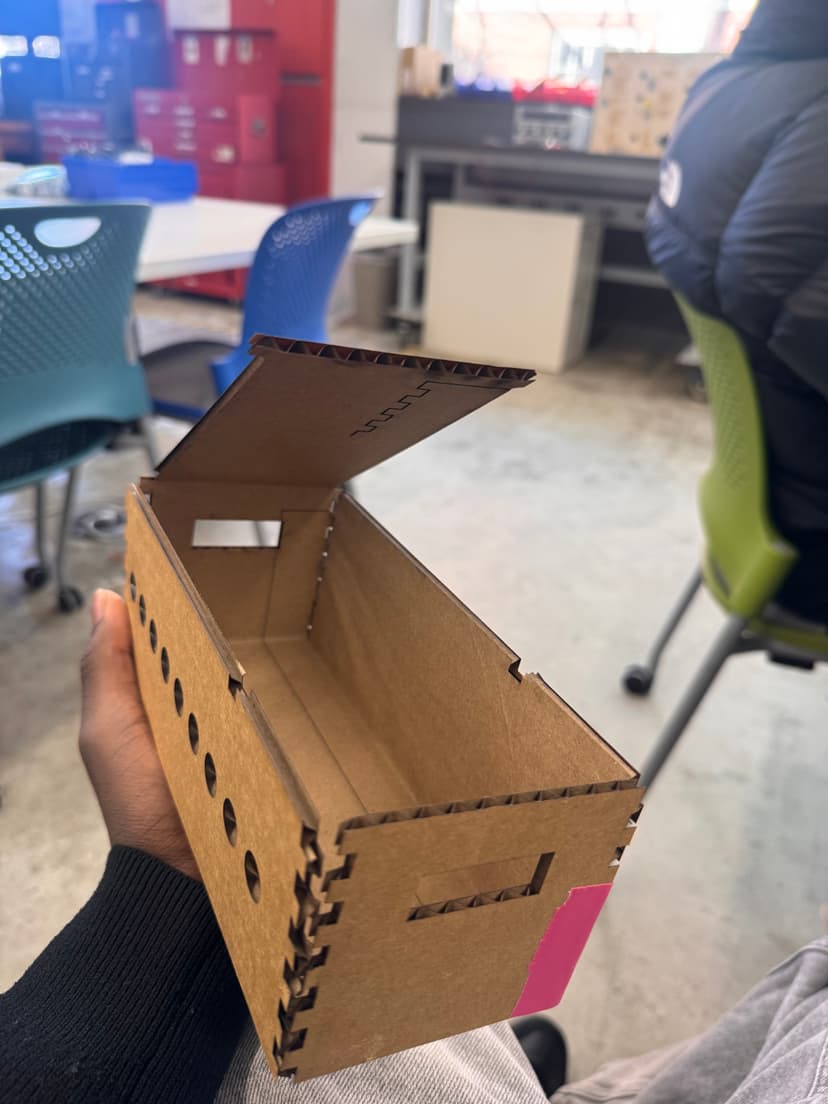
Has a little lid and is sized well enough for my projects.
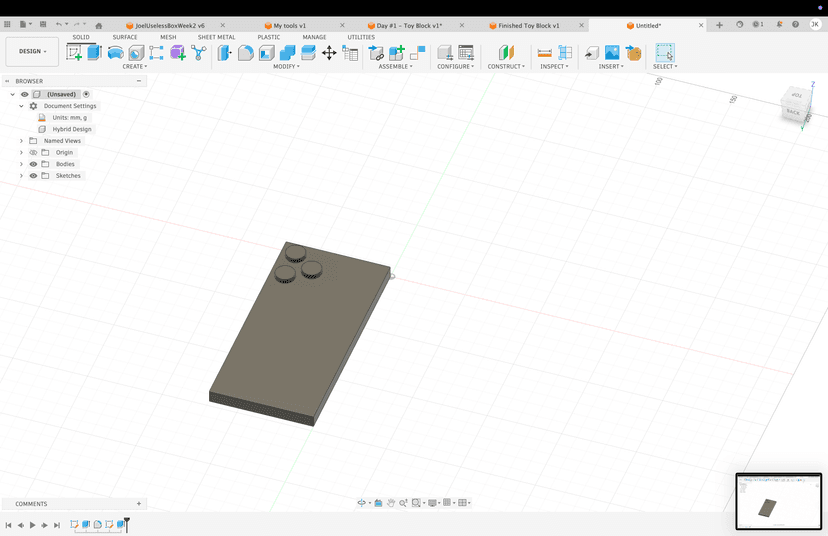
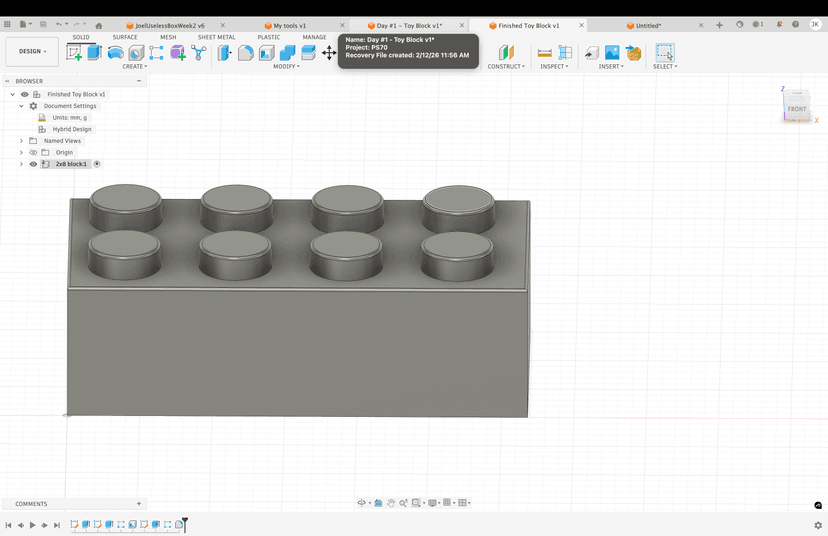
Here is an image of my 3d images.
Fusion 360 3D Tutorials
Over the semester I've gone through all of Product Design Online's tutorials, designing different things from two part molds to screw drivers, played around with phone cases, bottles and ice cube trays. Below are a bunch of the models I played around with:
Modeling Real World Things
I decided to model a screw driver from the lab and an iPhone case. I measured the length of the screw driver handle and then measured the length of the screw driver bit.
For the CAD I started with making two concentric circles, extruding both of them sharpening the end of one using chamfer tools and extruding semi circles patterned around the other end to get the grooves for the handle and to improve grip. Here is a sketch of the circular pattern I used for the handles: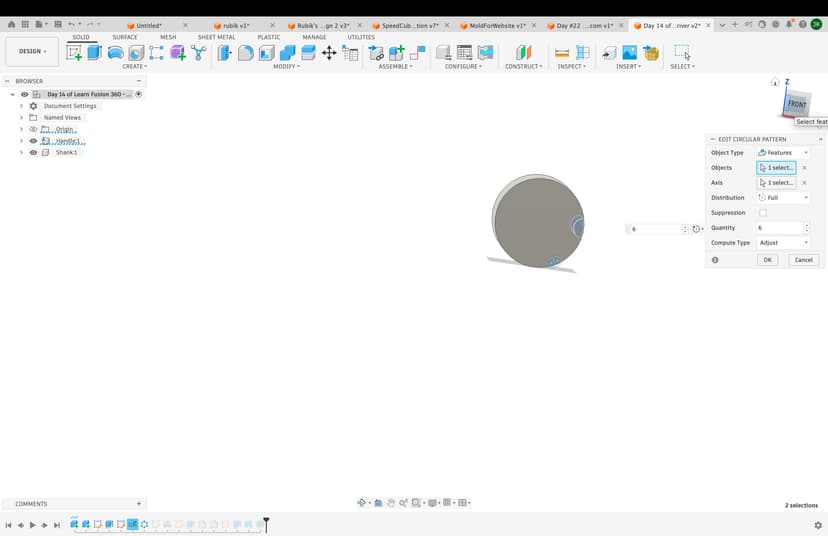 I also roughly estimated the radii for the screw driver head to make the grip handles Seeing as this waas my first CAD experience I decided not to go too crazy with mamking everything exact but we got quite far in terms of getting to the rough estimates of what this looked like. I also developed an iPhone case holder